
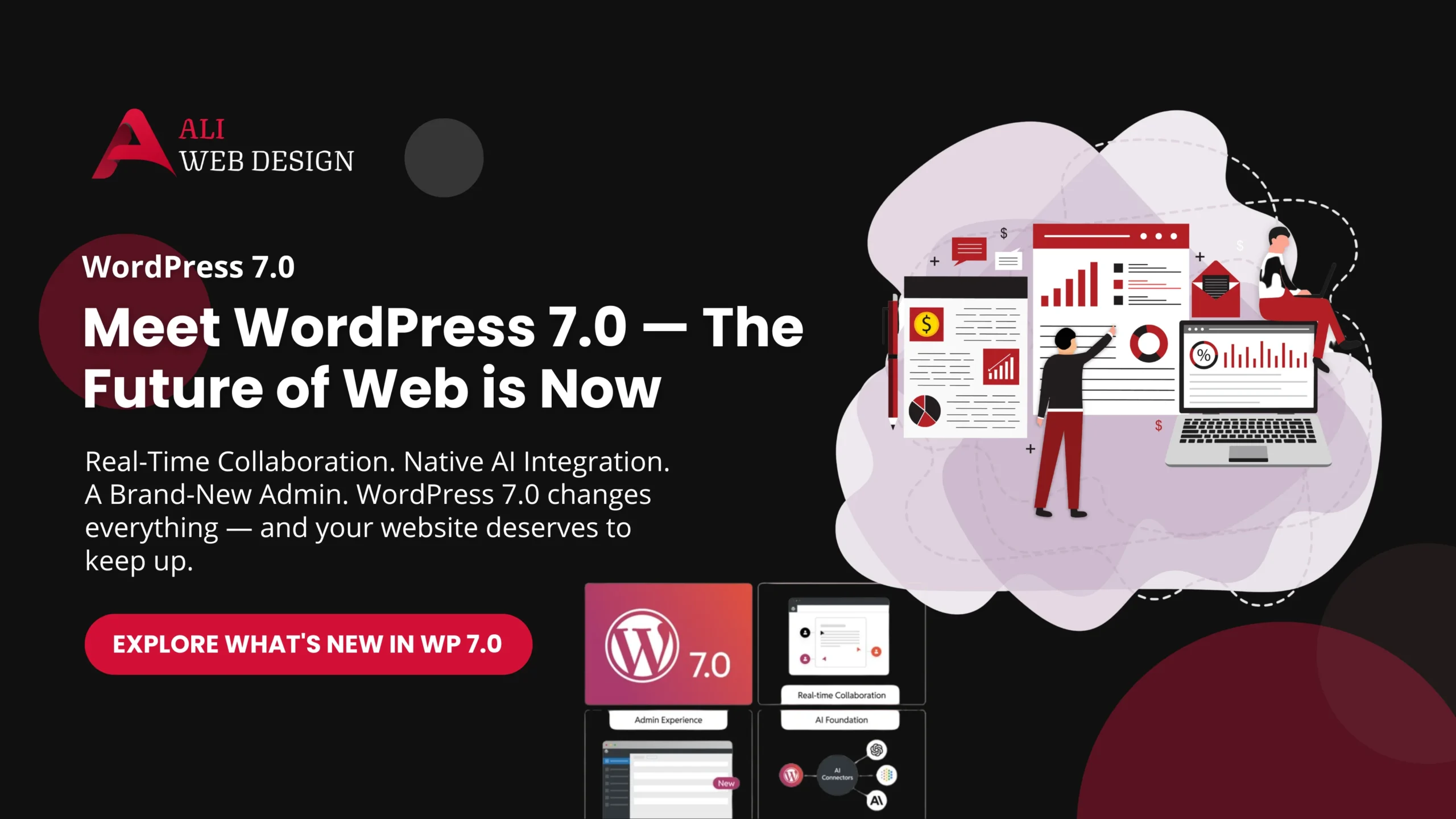
WordPress has always been the backbone of the internet — powering over 43% of all websites globally. But with the arrival of WordPress 7.0, the platform has taken its most ambitious leap forward yet. From native AI integration to real-time collaboration and a completely refreshed admin dashboard, this update is not just an upgrade — it is a transformation.
Whether you are a business owner, a blogger, or a web developer, this guide covers everything you need to know about WordPress 7.0 in 2026.
🚀 What Is WordPress 7.0?
WordPress 7.0 marks the official entry into Phase 3 of the Gutenberg roadmap — the Collaboration phase. After years of refining the block editor and Full Site Editing, the WordPress core team has now shifted focus to making the platform smarter, more collaborative, and AI-ready.
This release includes over 419 Core Trac tickets, more than 486 bug fixes, and 76+ feature enhancements — making it one of the most substantial WordPress releases in history.
💡 Pro Tip for Ali Web Design clients: If your website is currently on an older version of WordPress, contact us for a smooth, safe upgrade to WordPress 7.0.

👥 1. Real-Time Collaboration (RTC) — The Headline Feature
The single most exciting feature of WordPress 7.0 is Real-Time Collaboration (RTC). You can now have multiple users editing the same post or page simultaneously — just like Google Docs or Figma.
Here is what makes it truly powerful:
- 🟢 Live cursor tracking — See exactly where your teammates are working in real time
- 🖍️ Text selection visibility — When another user highlights text, you see it in their assigned color
- 💬 Block-level comments & notes — Leave feedback directly on any block inside the editor
- 🔔 Tag teammates — Mention a collaborator in a comment and they receive an instant notification
- 🔒 HTTP polling sync — Built on the Yjs CRDT engine, designed to work on any hosting environment without requiring WebSockets
This feature is a game-changer for agencies, editorial teams, and businesses where multiple team members manage website content together.
⚠️ Important Note: If your theme or plugins still use classic meta boxes, collaboration mode will be disabled for that post. Now is the perfect time to migrate to modern block-based development.
🤖 2. Native AI Integration — WordPress Gets Smarter
WordPress 7.0 introduces two powerful AI systems that are built directly into the core — no third-party plugin required (though provider plugins are needed for credentials).
🧠 WP AI Client
This is a new core PHP library that provides a standardised, provider-agnostic interface for communicating with AI services. Instead of every plugin building its own OpenAI or Gemini integration separately, WP AI Client acts as a single abstraction layer.
Currently, it supports three official AI providers out of the box:
- OpenAI (ChatGPT)
- Google (Gemini)
- Anthropic (Claude)
Switching between AI providers is now simply a configuration change — not a full code rewrite.
🔌 The Connectors API
A brand-new Settings > Connectors screen in the WordPress admin lets site owners manage all AI provider connections from one central location. Each connector is displayed in a clean card format with detailed registry metadata.
⚙️ The Abilities API (JavaScript Edition)
First introduced on the PHP side in WordPress 6.9, the Abilities API now has its full JavaScript counterpart in 7.0. This lays the groundwork for:
- Browser-based AI agents
- WebMCP integration
- Automated AI-driven workflows running sequentially inside WordPress
🎨 3. Redesigned Admin Dashboard — Finally!
The WordPress admin panel has received its most significant visual overhaul in years. WordPress 7.0 ships with:
- 🎨 A sleek new colour scheme called “Modern”
- ⚡ Smooth visual transitions as you navigate between admin screens
- ⌨️ An enhanced Command Palette (accessible via
CMD + Kor the upper admin bar) — letting you jump to any tool, page, or post from anywhere in the dashboard - 📋 Data Views — a new React-based, app-like interface replacing traditional table lists for posts and pages. You can now filter, sort, and group content instantly
- 🔡 A dedicated Appearance > Fonts screen to manage and upload fonts without digging through the Styles panel
🛠️ 4. Powerful New Design Tools & Blocks
WordPress 7.0 brings a collection of genuinely useful new creative tools:
- 🏷️ Icons Block — Native icon support is finally in core. No plugin needed
- 🔗 Breadcrumbs Block — Add navigational breadcrumbs anywhere on your site with a single block
- 📝 Heading Block Variations — More design-ready heading styles baked right in
- 📐 Fit Text — Text that automatically resizes to perfectly fill its container — ideal for hero sections and banners
- 📺 Video Cover Blocks — Embed videos from YouTube, Vimeo, or locally hosted sources directly inside Cover blocks
- ↔️ Visual Revisions Slider — Compare two versions of a page side by side using a visual slider bar — making revision history actually useful
- 📱 Responsive Editing Mode — Design for mobile, tablet, and desktop simultaneously with granular, per-block responsive controls
- ↕️ Text Indent & Column Support — Fine-grained typography control now available natively
🔐 5. PHP Version Requirement Bump
WordPress 7.0 drops support for PHP 7.2 and PHP 7.3. The new requirements are:
| PHP Version | Status |
|---|---|
| PHP 7.2 / 7.3 | ❌ No longer supported |
| PHP 7.4 | ✅ Minimum required |
| PHP 8.2+ | ⭐ Strongly recommended |
If your hosting is still running PHP 7.2 or 7.3, you must upgrade before updating to WordPress 7.0. Most reputable hosting providers like Hostinger make this a one-click change in the hPanel.
📦 6. Other Notable Updates
- 🎵 Playlist Block with Audio Waveform Visualisation — powered by the
@arraypress/waveform-playerlibrary - 📐 Improved Grid Block — Combine minimum column width and column count simultaneously for truly responsive grid layouts
- 🖼️ New Image Cropper Package — Standardised image cropping with aspect ratio controls, rotation, zoom, and flip
- 🛝 WordPress Playground Improvements — A dedicated management dashboard, unsaved warning with save button, and a new Chrome DevTools extension for live inspection
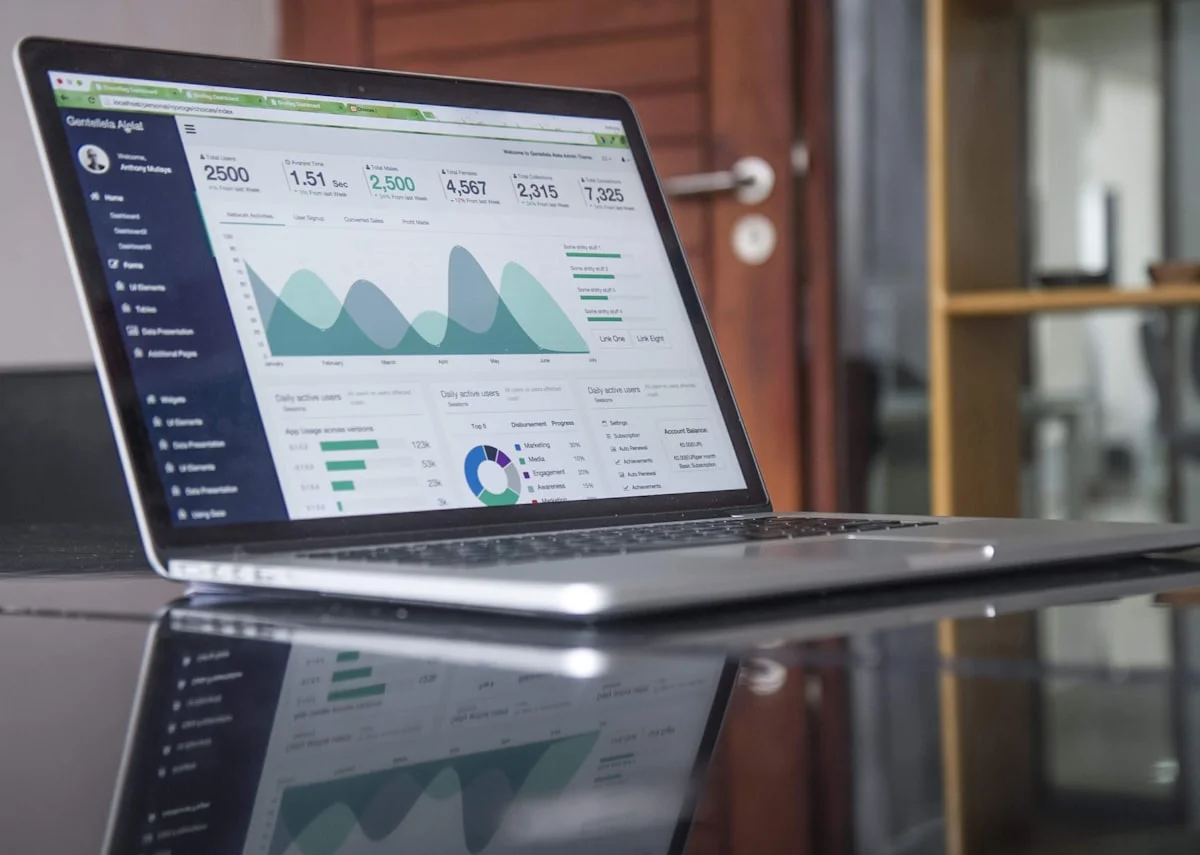
💼 What Does WordPress 7.0 Mean for Your Business Website?
If you are a small business owner, a startup founder, or a professional with a WordPress website, here is what this update means for you practically:
- ✅ Your website can now be edited by your entire team simultaneously — no more overwriting each other’s work
- ✅ AI tools can now be integrated directly into your site’s workflow — from content generation to smart search
- ✅ The new admin panel is faster and easier to navigate — reducing the time your team spends managing content
- ✅ The Responsive Editing Mode means your site looks perfect on every device — tested visually, not just assumed
- ✅ Better performance tools and bug fixes mean your site will run faster and more securely out of the box
✅ Should You Upgrade to WordPress 7.0 Right Now?
Yes — but do it safely. Here is a smart upgrade checklist:
- Backup your entire website before starting any upgrade
- Check your PHP version — confirm it is 7.4 or higher (8.2+ preferred)
- Test on a staging site first before going live
- Update all plugins and themes to their latest versions for 7.0 compatibility
- Migrate classic meta boxes to block-based alternatives to enable collaboration mode
- Contact your web developer if you are unsure — a professional upgrade is always safer than a rushed one
🎯 Final Thoughts
WordPress 7.0 is not just an update — it is a statement. The platform has firmly established itself as the go-to choice for modern, intelligent, and collaborative web development in 2026 and beyond. Whether you are building a small business website, an eCommerce store, or a content-heavy editorial platform, WordPress 7.0 gives you the tools to do it faster, smarter, and better.
Ready to upgrade your website to WordPress 7.0? At Ali Web Design, we specialise in professional WordPress development, upgrades, and maintenance for businesses across Kolkata and worldwide. and let our team handle your upgrade safely and efficiently.
Frequently Asked Questions
WordPress 7.0 was officially released in 2026. The release cycle was extended initially to properly architect the Real-Time Collaboration database system, but all other features were ready ahead of schedule.
Yes. WordPress 7.0 is completely free and open-source, just like every version before it. You can update from your WordPress dashboard at no cost.
The core AI infrastructure (WP AI Client and Connectors API) is built into WordPress 7.0. However, to connect to a specific AI provider like OpenAI, Google, or Anthropic, you will need to install the corresponding official provider plugin and add your API credentials via the Connectors screen.
Some older plugins or themes — particularly those using classic meta boxes — may experience limited functionality with certain 7.0 features like Real-Time Collaboration. It is strongly recommended to test your site on a staging environment before updating live.
WordPress 7.0 requires a minimum of PHP 7.4. PHP 7.2 and 7.3 are no longer supported. For best performance and security, PHP 8.2 or higher is strongly recommended.
Yes! Real-Time Collaboration is the flagship feature of WordPress 7.0. Multiple users can now edit the same post or page simultaneously, with live cursor tracking, coloured text selections, and block-level commenting — very similar to the Google Docs experience.
Interestingly, WordPress 7.0 does not ship with a new Twenty Twenty-Six default theme. The focus of this release was on the core platform features rather than a new theme.
Absolutely. WordPress 7.0 is fully compatible with WooCommerce. The performance improvements, responsive editing mode, and new design tools all benefit eCommerce websites directly — making it a great time to upgrade your online store.
Founded in 2022 by Md Intezam Ali, Ali Web Design has successfully delivered 200+ WordPress projects across Kolkata and beyond. Our expertise in web development, e-commerce solutions, LMS platforms, and website maintenance makes us the ideal partner for your WordPress 7 AI content implementation.
For any WordPress Web Development projects, Contact Us