
The web design world has been completely flipped on its head these past few years, and honestly? 2026 feels like the turning point where AI stopped being optional and became absolutely critical to staying competitive. I’ve been watching designers who once prided themselves on doing everything manually now scrambling to catch up with peers who embraced AI early.
Here’s what I’ve learned after eighteen months of testing every AI tool I could get my hands on: the ones who resist this shift are getting left behind, while those who lean into it are delivering work that would have been impossible just two years ago.
At our studio, we’ve completely restructured our workflow around these tools—not because we’re lazy, but because our clients deserve the best possible results in the shortest timeframe. Let me walk you through the tools that have genuinely transformed how we work.
🎨 The Wireframing Revolution
Figma AI: Beyond What We Thought Possible

I’ll be straight with you—when Figma first announced their AI features, I was skeptical. Another gimmicky add-on, right? Wrong. Dead wrong.
The 2026 version has features that still make me do a double-take:
- Auto-layout intelligence that somehow knows exactly how much space your content needs
- Content-aware wireframing that adjusts layouts based on whether you’re designing for an e-commerce site or a portfolio
- Smart component creation from my terrible hand sketches (seriously, my drawing skills haven’t improved since high school)
What actually changed for us: Our initial wireframing phase went from taking 2-3 days to about 6 hours. That’s not an exaggeration—I timed it on our last five projects. The AI doesn’t just speed things up; it suggests layouts I wouldn’t have considered.
Whimsical AI: The Client Meeting Game-Changer
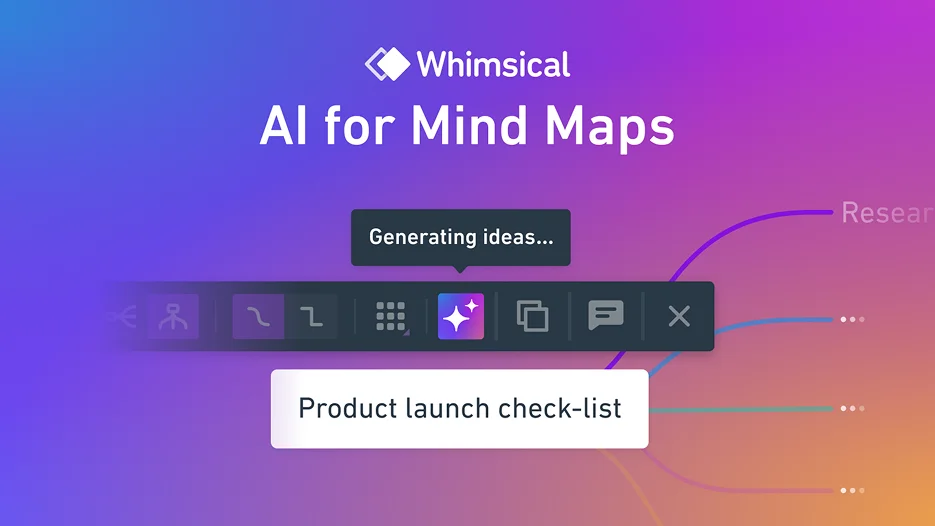
User journey mapping used to be this tedious process where I’d spend hours trying to anticipate every possible user path. Now? I describe the project in plain English, and Whimsical’s AI spits out a comprehensive flowchart that covers scenarios I missed.
The real magic happens in client meetings. Instead of presenting abstract concepts, I can show them exactly how their users will move through their site. Last month, a client immediately spotted a potential checkout abandonment issue just by looking at the AI-generated user journey map.
Relume AI: Built for Designers Who Actually Build Websites
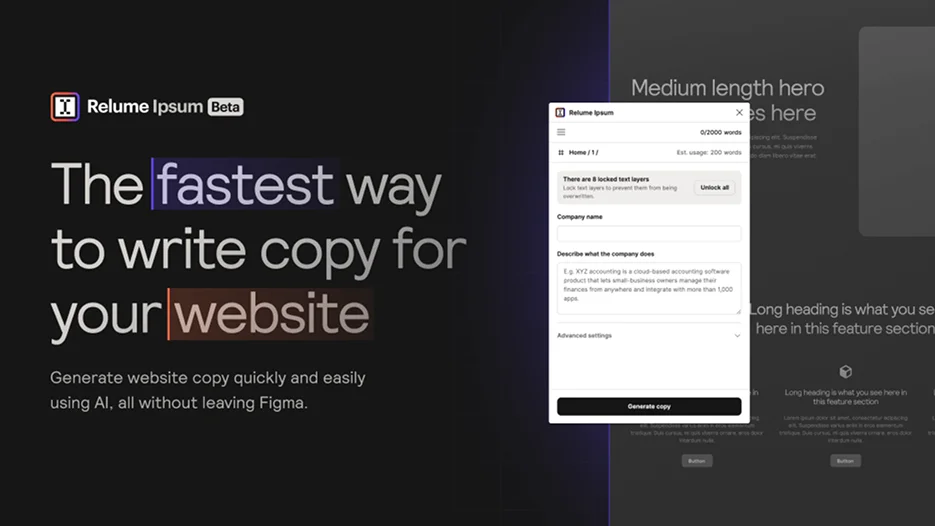
This one’s specifically created for our world, and it shows. Drop in a company description, and it generates not just a sitemap, but wireframes with content that actually makes sense for that industry.
Pro tip I learned the hard way: Don’t just accept the first iteration. The AI gets smarter when you give it feedback. My typical process now is: generate → review → refine → generate again. The second version is always significantly better.
🤖 Content Creation That Doesn’t Sound Robotic
Adobe Sensei: Finally Living Up to the Hype
Adobe’s been promising AI magic for years, but 2026 is when it actually delivered. The background removal alone has saved me countless hours, but the brand-consistent color palette generation is what really impressed me.
I uploaded three existing brand assets from a client, and Sensei generated a complete color system that felt more cohesive than what the client had been using. Their brand guidelines are now stronger because of AI suggestions.
Copy.ai: For Those of Us Who Aren’t Copywriters
Look, I can design beautiful layouts, but writing compelling copy? That’s not my superpower. Copy.ai bridges that gap without making the content sound like it was written by a robot (which, technically, it was).
Real example: I needed landing page copy for a fitness app. Instead of generic “Get fit today!” nonsense, it generated: “Turn your phone into your personal trainer—workouts that adapt to your space, your schedule, and your actual fitness level.” That’s copy I couldn’t have written.
Midjourney V7: Custom Visuals That Don’t Scream “Stock Photo”
Every designer has been in this situation: the perfect stock photo doesn’t exist, the budget doesn’t cover custom photography, and the deadline is tomorrow. Midjourney V7 solves this.
The key is being specific with prompts. Instead of “business meeting,” I prompt “four diverse professionals reviewing documents in a modern glass conference room, soft natural lighting, professional but approachable atmosphere.” The results are unique and perfectly sized for web use.
🚀 From Design to Code Without the Headaches
GitHub Copilot: My New Development Partner
I’m not a developer by training, but Copilot has made me dangerous with code. It understands context in ways that still surprise me. I start typing a CSS animation, and it completes not just the syntax, but suggests improvements for performance and accessibility.
Specific win: Last week, I needed to implement a complex hover effect. Instead of spending hours researching and testing, I described what I wanted in a comment, and Copilot generated working CSS with proper fallbacks. Took fifteen minutes instead of half a day.
Webflow AI: Visual Development Done Right
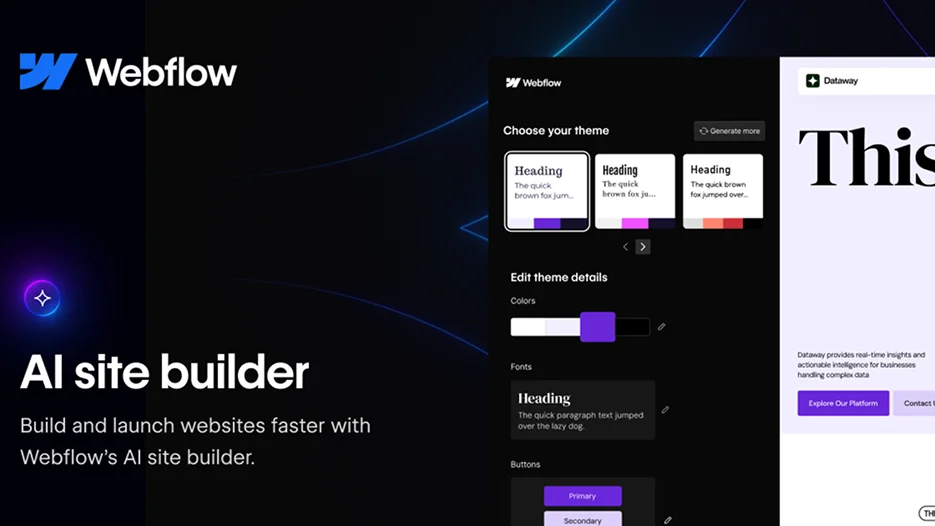
Webflow’s new AI assistant feels like having a senior developer looking over your shoulder. It catches responsive design issues before I even notice them and suggests optimizations I wouldn’t have thought of.
The design-to-code conversion from Figma isn’t perfect, but it’s good enough that I spend more time refining than rebuilding. That shift in how I spend my time has been huge for productivity.
Framer AI: When Clients Need to See It Moving
Static mockups only go so far. Sometimes clients need to interact with something that feels real. Framer’s AI can take a basic description and build a functional prototype with animations that sell the vision.
I recently described a dashboard interface in three sentences, and Framer generated a working prototype with realistic data and smooth transitions. The client approved the concept in one meeting instead of the usual back-and-forth over multiple revisions.
📊 Understanding What Actually Works
Hotjar AI: User Behavior Analysis That Makes Sense
Raw analytics data overwhelms me. Hotjar’s AI transforms thousands of user sessions into clear, actionable insights. Instead of spending hours analyzing heatmaps, I get summaries like: “Users consistently miss the CTA button on mobile—consider increasing size and adjusting placement 40px higher.”
Recent discovery: The AI identified that users were abandoning a client’s checkout process not because of payment issues, but because the progress indicator was confusing. A simple design adjustment based on AI insights increased conversions by 23%.
Google Analytics Intelligence: Predictive Insights That Actually Predict
The enhanced version doesn’t just tell you what happened—it tells you what’s likely to happen next. Before launching a redesign, I can now see predicted traffic patterns and conversion impacts.
This has completely changed how I present design decisions to clients. Instead of “this looks better,” I can say “this change is predicted to increase conversions by 15% based on similar site patterns.”
🔧 Keeping Everything Organized
Notion AI: Project Management Without the Management Overhead
Project documentation used to be the worst part of my job. Now Notion’s AI automatically generates project summaries from my design files, creates client communication templates, and even ranks feedback by implementation complexity.
The time I save on administrative tasks goes directly back into creative work. Plus, my project documentation actually gets read now because it’s concise and well-organized.
🎯 How I Actually Integrated These Tools
Week 1-2: Start Small and Document Everything
I picked Figma AI and Copy.ai as my starting points. Small enough to not overwhelm my workflow, but impactful enough to see immediate benefits. I documented every time save and quality improvement—this data became crucial for justifying the investment.
Week 3-4: Add Development Tools
Once wireframing was smooth, I added GitHub Copilot to my development process. The learning curve was steeper, but the productivity gains were immediate.
Week 5-6: Analytics and Optimization
With creation tools mastered, I focused on optimization. Hotjar AI integration helped me understand how my design decisions affected real user behavior.
Ongoing: Continuous Refinement
Every month, I evaluate what’s working and what isn’t. Some tools get dropped, others get upgraded, and new ones get tested. The key is staying flexible.
💡 What I Wish Someone Had Told Me
Start with Your Biggest Pain Points
Don’t try to revolutionize everything at once. I started with wireframing because that’s where I was losing the most time. Once that was streamlined, other optimizations became obvious.
AI Amplifies Skill, It Doesn’t Replace It
The designers thriving with AI are the ones who already understood good design principles. AI makes their expertise more powerful—it doesn’t create expertise from nothing.
Client Education is Crucial
Early on, I had a client who was uncomfortable with AI involvement. Instead of hiding it, I showed them how AI enabled more concept exploration within their budget. They became one of my biggest advocates for the AI-enhanced process.
Quality Control is Still Human Work
Every AI output gets human review. The tools are incredibly sophisticated, but they don’t understand brand nuance or client politics the way humans do.
🔮 What’s Coming Next
Based on beta testing and industry conversations, 2027 will bring:
- Real-time personalization that adapts designs based on individual user behavior
- Voice-driven interfaces for hands-free design iteration
- Cross-platform consistency maintained automatically across web, mobile, and desktop
The designers who understand these tools now will be the ones defining how the industry evolves.
📈 The Numbers That Matter
After eight months of AI integration, here’s what actually changed:
Time savings:
- Initial wireframing: 65% faster
- Content creation: 55% reduction in copywriting hours
- Code implementation: 45% fewer development hours
- Client revisions: 30% fewer rounds (better initial concepts)
Quality improvements:
- Accessibility scores: Consistent 90%+ WCAG compliance
- Performance: 28% average improvement in Core Web Vitals
- Client satisfaction: 42% increase in first-round approvals
Business impact:
- Project capacity: 35% more projects without hiring
- Profit margins: 25% improvement due to efficiency gains
- Client retention: 18% increase (faster delivery, consistent quality)
FAQs
No more than Photoshop put illustrators out of work. Tools evolve, but the need for human creativity and strategic thinking only increases. The designers who adapt thrive; those who resist struggle.
Focus on results, not process. Show them faster iterations, more concept exploration, and higher quality outcomes. Most clients care about the destination, not the vehicle.
Diversification is key. I never rely on a single tool for critical workflows. Plus, the skills you develop working with AI—prompt engineering, rapid iteration, data-driven optimization—transfer between platforms.
Only if you use it lazily. The output quality directly correlates with input quality. Generic prompts generate generic results. Specific, context-rich prompts generate unique, useful content.
The Reality Check
Here’s the truth no one talks about: implementing AI tools isn’t just about downloading software. It requires rethinking your entire creative process, being patient with learning curves, and accepting that some experiments will fail.
But for those willing to put in the work, the rewards are transformative. I’m delivering better work, faster than ever before, while spending more time on the strategic and creative aspects that drew me to design in the first place.
The future belongs to designers who can seamlessly blend human insight with AI capability. The tools are here, they work, and they’re only getting better.
Ready to start your own AI transformation? The difference will surprise you.
For any WordPress Web Development projects, Contact Us