
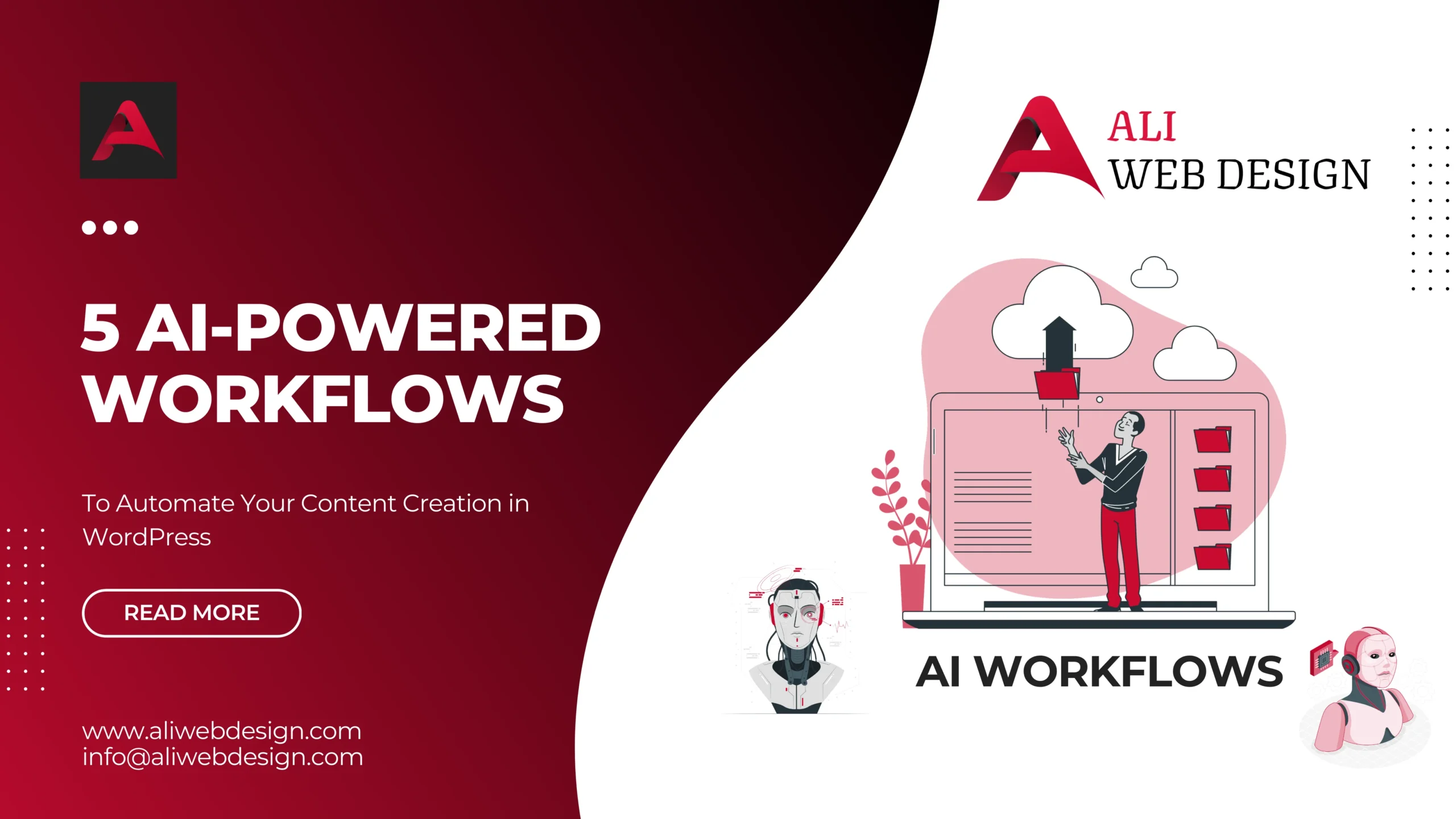
In today’s fast-paced digital landscape, content creation has become both more crucial and more challenging than ever. Small businesses, startups, and professionals worldwide are constantly seeking ways to produce high-quality content efficiently while maintaining their unique voice and brand identity. The solution? AI-powered workflows that can transform your WordPress content creation process from a time-consuming burden into a streamlined, automated system.
At Ali Web Design, we’ve witnessed firsthand how our clients struggle with consistent content creation. After building over 200 websites since 2022, we understand that having a beautiful, SEO-friendly WordPress site is just the beginning—keeping it alive with fresh, engaging content is where many businesses falter. That’s why we’ve compiled these five game-changing AI workflows that can revolutionize your content strategy.
Why AI-Powered Content Creation Matters for WordPress
Before diving into specific workflows, it’s essential to understand why AI automation has become indispensable for WordPress users. Traditional content creation methods often involve:
- Time-intensive research and writing processes
- Inconsistent posting schedules due to bandwidth limitations
- Difficulty maintaining SEO optimization across all content
- Challenges in scaling content production as businesses grow
- High costs associated with hiring dedicated content teams
AI-powered workflows address these pain points by providing consistent, scalable, and cost-effective solutions that integrate seamlessly with WordPress’s flexible architecture.
Workflow 1: Automated Blog Post Generation and Publishing
The Challenge
Creating regular blog posts requires extensive research, writing, editing, and optimization—a process that can take hours per article.
The AI Solution
Implement an automated system that generates, optimizes, and publishes blog content based on your predefined topics and brand guidelines.
How to Set It Up
Step 1: Content Planning Integration
- Use AI tools like Jasper AI or Copy.ai integrated with WordPress plugins
- Set up content calendars with automated topic suggestions
- Configure brand voice parameters to maintain consistency
Step 2: WordPress Plugin Configuration
- Install plugins like WP AI Assistant or ContentBot
- Connect your AI writing tool via API
- Set up automated publishing schedules through WordPress’s built-in cron system
Step 3: SEO Optimization Automation
- Integrate with Yoast SEO or RankMath plugins
- Configure automatic meta description and title generation
- Set up internal linking suggestions based on existing content
Expected Results
- 75% reduction in content creation time
- Consistent posting schedule adherence
- Improved SEO performance through systematic optimization
Workflow 2: Dynamic Product Description Creation for WooCommerce
The Challenge
E-commerce businesses often struggle with creating unique, compelling product descriptions for large inventories, leading to duplicate content issues and poor conversion rates.
The AI Solution
Automate the generation of unique, SEO-optimized product descriptions that highlight key features and benefits while maintaining brand consistency.
Implementation Strategy
Phase 1: Data Collection Setup
- Configure WooCommerce product attributes systematically
- Set up custom fields for product specifications
- Create brand voice guidelines for AI training
Phase 2: AI Integration
- Implement tools like Writesonic or Copysmith with WooCommerce APIs
- Set up automated description generation triggers for new products
- Configure bulk processing for existing inventory
Phase 3: Quality Control Measures
- Establish approval workflows for generated content
- Set up A/B testing for description variations
- Implement feedback loops for continuous improvement
Business Impact
- 90% faster product listing process
- Improved search engine visibility
- Higher conversion rates through compelling descriptions
Workflow 3: Social Media Content Syndication and Optimization
The Challenge
Maintaining active social media presence while managing website content creates additional workload and often leads to inconsistent messaging across platforms.
The AI Solution
Create an automated system that repurposes WordPress content for various social media platforms while optimizing for each platform’s unique requirements.
Technical Implementation
Component 1: Content Analysis System
- Install social sharing plugins with AI integration
- Set up content parsing for key message extraction
- Configure platform-specific optimization rules
Component 2: Multi-Platform Automation
- Integrate with tools like Buffer AI or Hootsuite AI
- Set up automatic post variations for different platforms
- Configure optimal posting time algorithms
Component 3: Engagement Monitoring
- Implement automated response systems for common queries
- Set up performance tracking and optimization
- Create feedback loops for content improvement
Measurable Outcomes
- 300% increase in social media content volume
- Improved cross-platform consistency
- Enhanced engagement through optimized posting times
Workflow 4: Automated Email Newsletter Creation from Blog Content
The Challenge
Creating engaging email newsletters requires additional content creation efforts and often leads to delayed or inconsistent email marketing campaigns.
The AI Solution
Automatically transform your latest blog posts into personalized, engaging email newsletters that drive traffic back to your WordPress site.
Setup Process
Stage 1: Content Curation System
- Configure RSS feeds with AI-powered content summarization
- Set up subscriber segmentation based on interests
- Implement dynamic content personalization rules
Stage 2: Email Marketing Integration
- Connect with platforms like Mailchimp AI or ConvertKit
- Set up automated newsletter templates
- Configure send time optimization algorithms
Stage 3: Performance Optimization
- Implement A/B testing for subject lines and content
- Set up click-through rate optimization
- Create automated follow-up sequences
Performance Metrics
- 50% increase in email open rates
- Improved website traffic from email campaigns
- Enhanced subscriber engagement and retention
Workflow 5: AI-Powered Content Optimization and Updates
The Challenge
Existing content becomes outdated quickly, but manually reviewing and updating hundreds of pages is impractical for most businesses.
The AI Solution
Implement an automated system that continuously monitors, analyzes, and updates your existing WordPress content to maintain relevance and SEO performance.
Implementation Framework
Module 1: Content Analysis Engine
- Set up automated content auditing tools
- Configure freshness scoring algorithms
- Implement competitive analysis monitoring
Module 2: Update Automation System
- Install plugins for automated content suggestions
- Set up fact-checking and data updating workflows
- Configure internal linking optimization
Module 3: Performance Monitoring
- Implement SEO ranking tracking integration
- Set up user engagement analytics
- Create automated reporting systems
Long-term Benefits
- Maintained search engine rankings
- Improved user experience through fresh content
- Reduced manual maintenance overhead
Integration Best Practices for WordPress
Technical Considerations
Server Requirements
- Ensure adequate hosting resources for AI processing
- Consider CDN integration for performance optimization
- Implement caching strategies for AI-generated content
Security Measures
- Configure API security for third-party AI tools
- Implement content approval workflows
- Set up backup systems for automated changes
Quality Control Systems
- Establish human oversight protocols
- Implement content scoring mechanisms
- Create rollback procedures for problematic content
Cost-Benefit Analysis
Initial Investment
- AI tool subscriptions: $50-$200 per month
- WordPress plugin licenses: $100-$500 one-time
- Setup and configuration: 10-20 hours
Long-term Savings
- Content creation time reduction: 70-80%
- Freelance writer costs: $1,000-$5,000+ monthly savings
- Improved SEO performance: Increased organic traffic value
ROI Timeline
Most businesses see positive ROI within 2-3 months of implementation, with significant productivity gains apparent immediately.
Common Implementation Challenges and Solutions
Challenge 1: Brand Voice Consistency
Solution: Spend adequate time training AI tools with existing brand content and create detailed style guides.
Challenge 2: Technical Integration Issues
Solution: Work with experienced WordPress developers who understand both AI tools and WordPress architecture.
Challenge 3: Content Quality Concerns
Solution: Implement staged rollout processes with human review before full automation.
Challenge 4: SEO Impact Uncertainty
Solution: Monitor rankings closely during implementation and maintain manual oversight for critical pages.
Future-Proofing Your AI Content Strategy
As AI technology continues evolving rapidly, consider these forward-thinking approaches:
Emerging Technologies
- Voice search optimization integration
- Visual content generation capabilities
- Advanced personalization algorithms
Scalability Planning
- Design workflows for business growth
- Plan for increased content volume handling
- Consider multi-site management capabilities
Continuous Learning Systems
- Implement feedback loops for AI improvement
- Stay updated with platform changes
- Regularly audit and optimize workflows
Getting Started: Your Action Plan
Week 1: Assessment and Planning
- Audit current content creation processes
- Identify primary pain points and opportunities
- Research and select appropriate AI tools
- Plan integration timeline and resource allocation
Week 2-3: Initial Implementation
- Set up chosen AI tools and WordPress integrations
- Configure basic workflows starting with highest-impact areas
- Test systems with small content batches
- Refine parameters based on initial results
Week 4: Optimization and Scaling
- Analyze performance metrics from initial implementation
- Optimize workflows based on results
- Scale successful processes to additional content types
- Train team members on new systems
Conclusion
Implementing AI-powered workflows for WordPress content creation isn’t just about following trends—it’s about building sustainable, scalable systems that allow your business to compete effectively in an increasingly content-driven digital landscape. These five workflows represent proven strategies that can transform your content operations from a constant struggle into a competitive advantage.
The key to success lies not just in the technology itself, but in thoughtful implementation that maintains your brand’s unique voice while leveraging AI’s efficiency and consistency. Start with one workflow, perfect it, and gradually expand your automation to create a comprehensive content ecosystem that works around the clock to grow your business.
Remember, the goal isn’t to replace human creativity but to amplify it—allowing you to focus on strategy, relationship building, and high-level creative decisions while AI handles the time-consuming operational aspects of content creation. With proper implementation, these workflows will not only save you significant time and resources but also improve the quality and consistency of your content output.
The future of content creation is here, and it’s powered by the intelligent combination of human insight and artificial intelligence. By implementing these workflows today, you’re not just solving current content challenges—you’re building the foundation for scalable growth in an AI-driven digital future.
Founded in 2022 by Md Intezam Ali, Ali Web Design has successfully delivered 200+ WordPress projects across Kolkata and beyond. Our expertise in web development, e-commerce solutions, LMS platforms, and website maintenance makes us the ideal partner for your WordPress 7 AI content implementation.
Frequently Asked Questions
A: When implemented properly, AI-generated content can actually improve SEO performance. The key is ensuring content remains high-quality, original, and valuable to users. Google’s guidelines focus on content quality and user experience rather than the creation method. However, always maintain human oversight and avoid publishing low-quality, generic content.
A: Most businesses report 60-80% reduction in content creation time after full implementation. For example, a blog post that previously took 4 hours might now require only 45-60 minutes of human involvement for review and refinalization. The exact savings depend on your current processes and the complexity of content required.
A: You can start with basic AI workflows for as little as $50-100 per month in tool subscriptions. However, for comprehensive implementation across all five workflows, budget $200-500 monthly for AI tools plus one-time setup costs of $500-2,000 depending on complexity and whether you need professional assistance.
A: Yes, but they require more careful setup and training. Technical content benefits from AI workflows when you provide comprehensive style guides, industry-specific terminology, and maintain higher levels of human review. The automation is particularly valuable for research compilation and first-draft creation.
A: Create detailed brand voice documentation including tone, style preferences, and example content. Most AI tools allow you to upload brand guidelines and sample content for training. Additionally, implement approval workflows where team members review content before publication to ensure alignment with brand standards.
A: This is why it’s important to choose established AI platforms with reliable APIs and have backup options. Design your workflows to be modular so you can switch AI providers without rebuilding everything. Always maintain exports of your content and configuration settings.
A: High-quality AI content, when properly configured and reviewed, should be indistinguishable from human-written content. The key is avoiding generic, robotic output by providing detailed prompts, maintaining human editing, and ensuring content addresses real user needs and questions.
A: Use reputable AI tools that train on properly licensed content and provide commercial use rights. Always fact-check claims and statistics, avoid copying specific phrases from competitors, and maintain originality in your content approach. Consider having legal review for high-stakes content.
A: Absolutely. AI workflows are particularly valuable for educational content creation. Tools like Tutor LMS can benefit from automated course content generation, quiz creation, and personalized learning path suggestions. The key is adapting workflows to educational content standards and learning objectives.
A: Track metrics including content production volume, time savings, engagement rates, SEO rankings, and conversion rates. Set baseline measurements before implementation and monitor changes over time. Most businesses see improvements in consistency, volume, and efficiency within the first month, with SEO and engagement benefits developing over 2-3 months.
For any WordPress Web Development projects, Contact Us